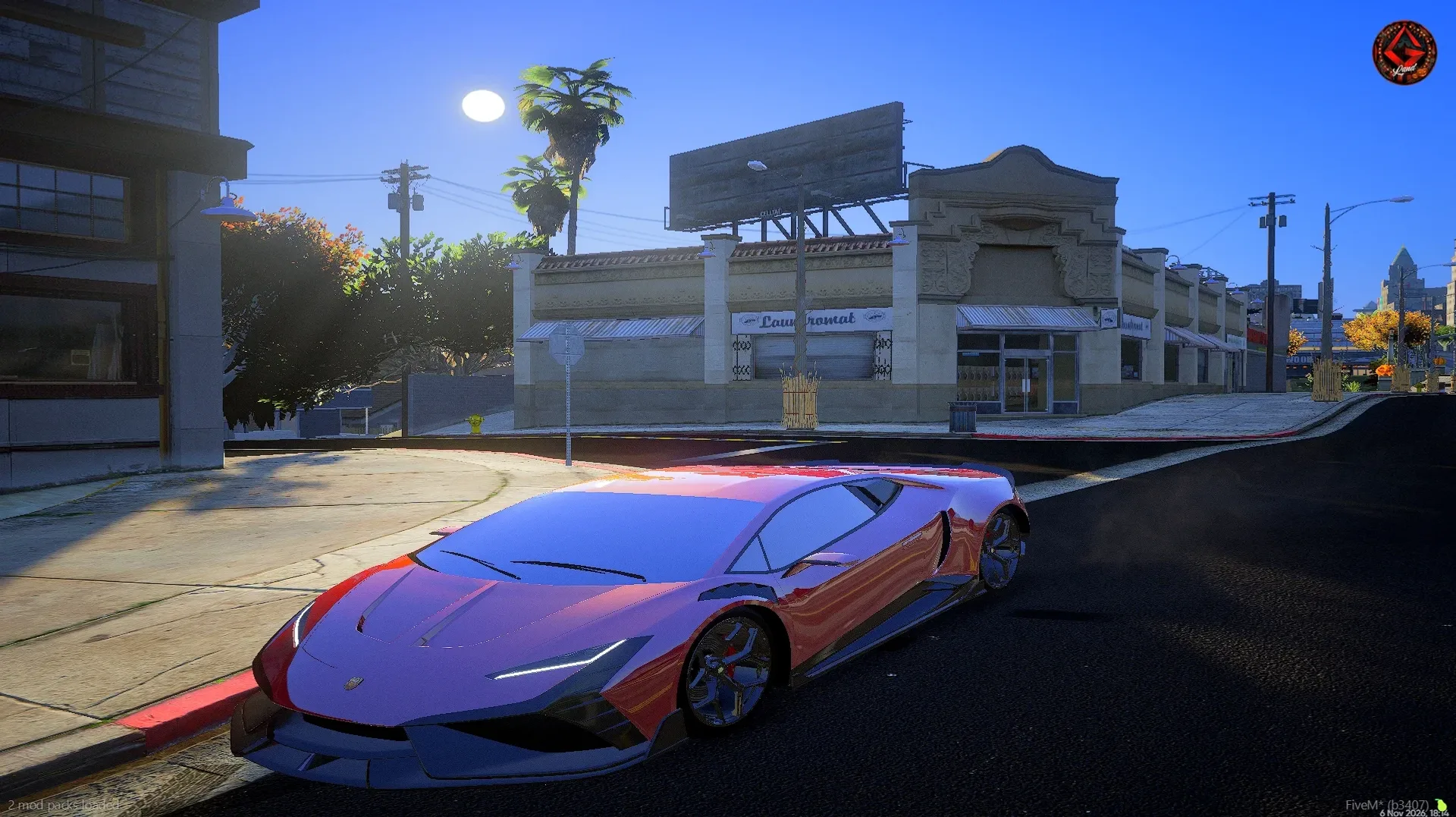
Ready-tuned packs
Salieri Custom, Standard, Premium, Autumn and Premium Fight. Each comes with ReShade, QuantV and its presets, all in the right place.
For FiveM, on Windows 10 and 11
Pick a pack, press Install and jump into the game. VisualPack puts the files into FiveM for you and removes them just as easily when you want something else.
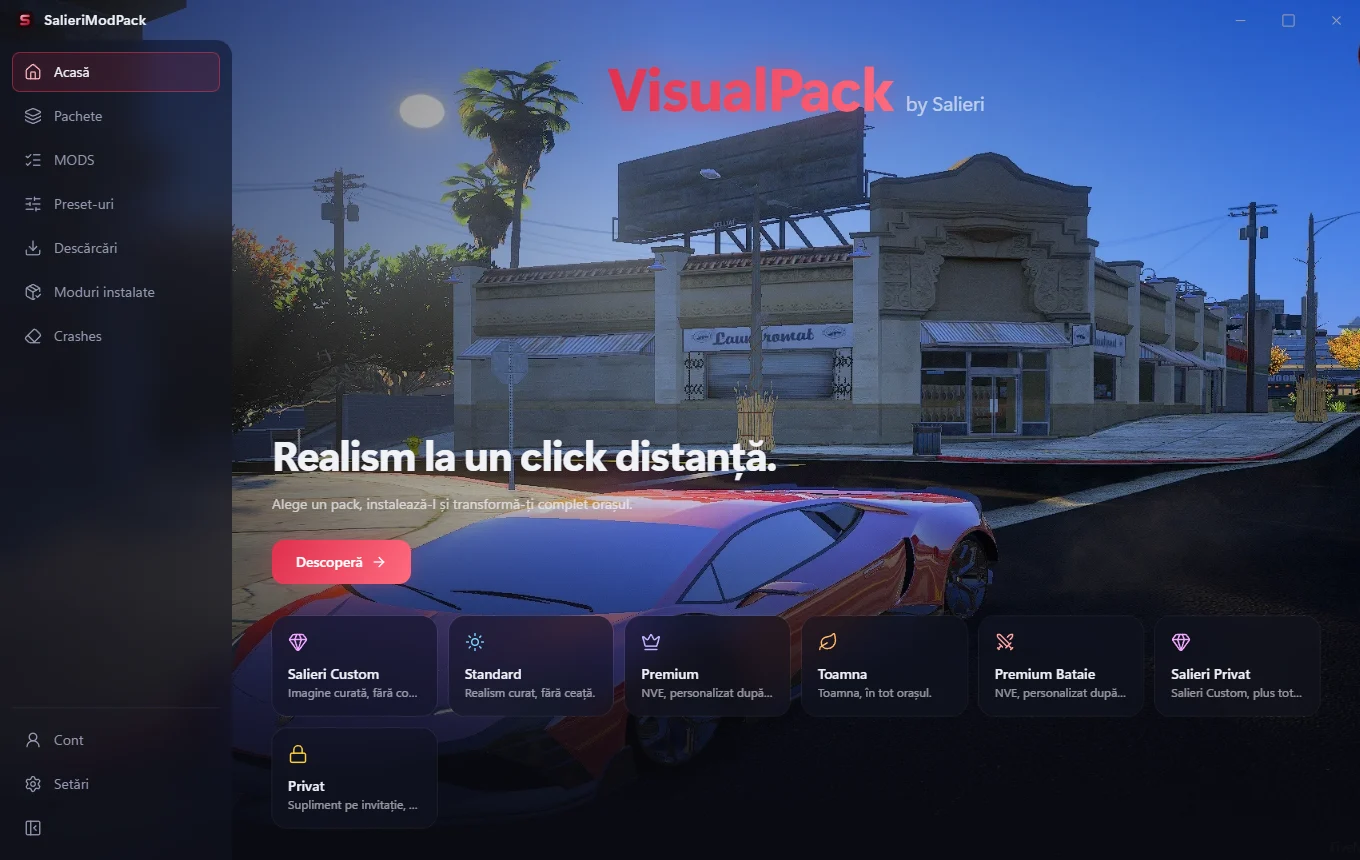
Features
Salieri Custom, Standard, Premium, Autumn and Premium Fight. Each comes with ReShade, QuantV and its presets, all in the right place.
Install or remove each preset on its own and see live what is in plugins. Works with FiveM running too.
Street lights, vehicles, vegetation, volumetric clouds and more. Tick only what you want.
When a pack gets a new version, the app tells you and downloads only the changed files.
Uninstalling deletes exactly what the app added. You can also empty plugins or mods with one button.
Each downloaded file is verified before it reaches FiveM, so you never end up with a broken pack.
How it works
Install VisualPack once. The app finds your FiveM folder by itself.
No new passwords. Your account is only used for access.
Send a request from the app for a pack, a mod or a preset. Once approved, the Install button unlocks.
One click and the pack is in FiveM, with the right preset already selected.
Packs
Tap a pack to see what you get. All of them install and uninstall from the app.
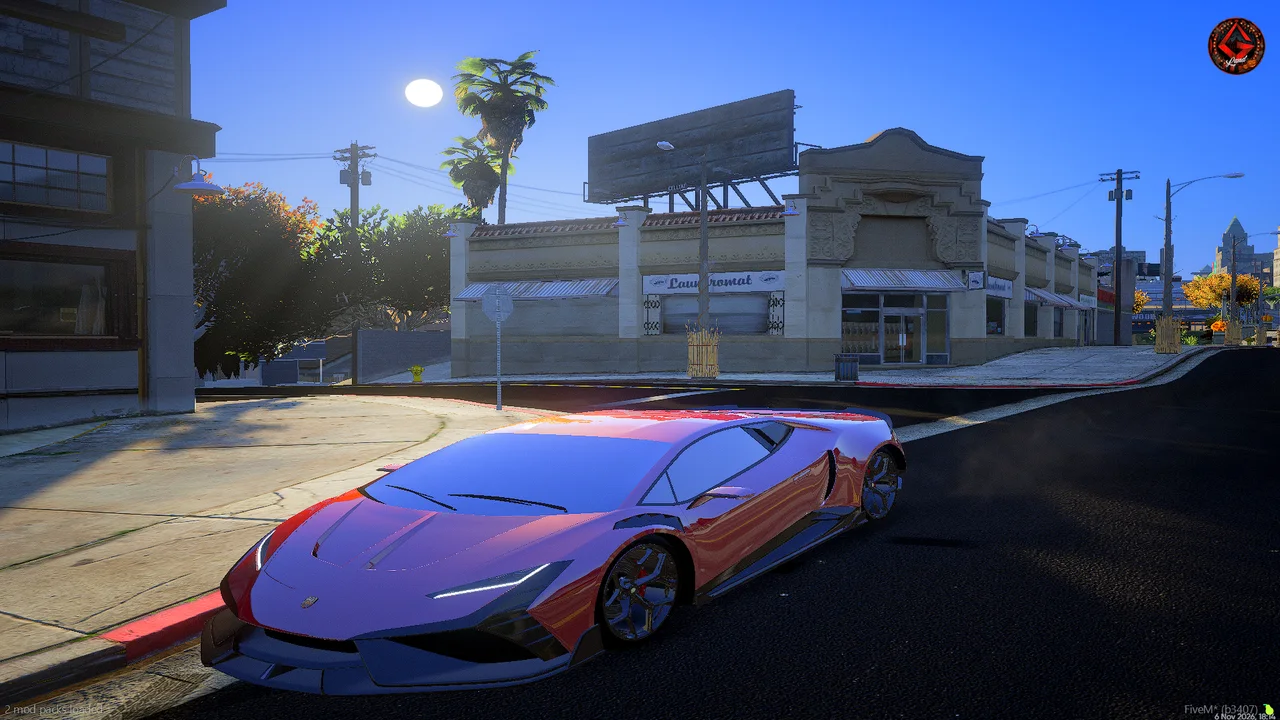
What you get
Fully tuned by us: new asphalt with clear reflections, a realistic starry sky, no dark shadows, no blur and no snow. Best if you want to jump straight in.
The app
Screenshots from the app.
Download
Download the installer, run it and choose where to install. Then get your packs straight from the app.
The installer is not signed yet, so Windows may show a warning. Choose More info, then Run anyway.
Close FiveM before installing or removing a pack. Presets can be switched with the game running.
FAQ
No. A new pack replaces the old one so files never mix. The Private add-on is the only one that goes on top of any pack.
Graphics packs ask more of your graphics card. Standard is the lightest, Premium and Autumn the heaviest. Presets let you pick what suits your PC.
Press Uninstall on the pack. The app removes exactly the files it added.
Access is approved per account. Your Discord name and a PC identifier are stored.
The installer has no code signature yet, and Windows SmartScreen warns about programs like that.
VisualPack puts graphics files into FiveM, just like a manual install. Each server has its own rules, so check them if in doubt.